

Structures and Asbestos Management App

I designed and built the SAM app to center on a list of all structures in Virginia and their currently known status of asbestos containing materials (ACM).
Users can search for bridges via a number of filters and quickly see relevant details. Selecting a structure displays further editable information in a set of CRUD forms. Further information is stored as “events.” Each structure has a one-to-many nested table relationship with events that allow multiple results, details, and documents to be stored for each record.
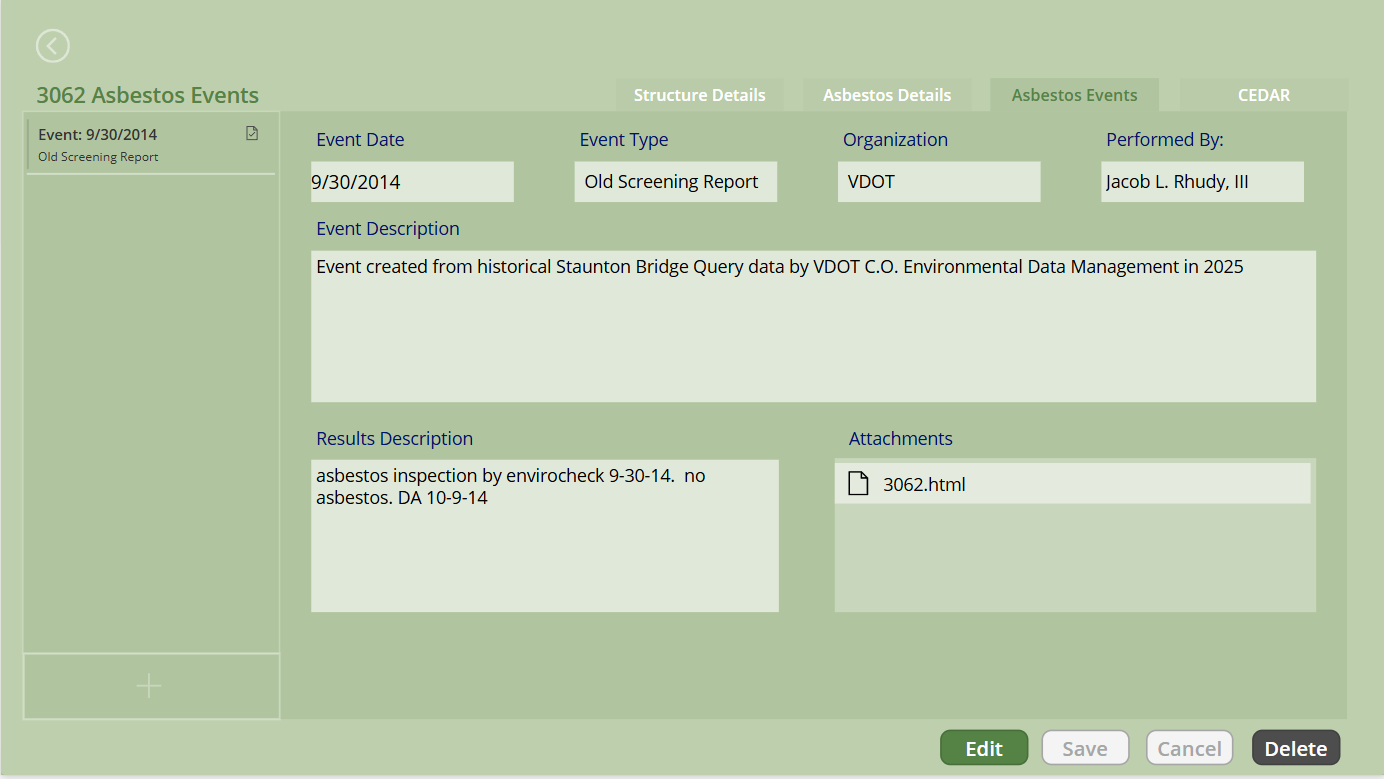
The underlying data was extracted from a two seperate databases using custom coded python scripting. Lots of cleaning had to be employed to create standardized, validated, useable data.
In addtion, I wrote a web scraper to pull out old inventory attachments from a legacy system and then automatically associated them to the corresponding event.
*power apps, power automate, ms lists, and python used to create the app and underlying data structure
The CEDAR Log
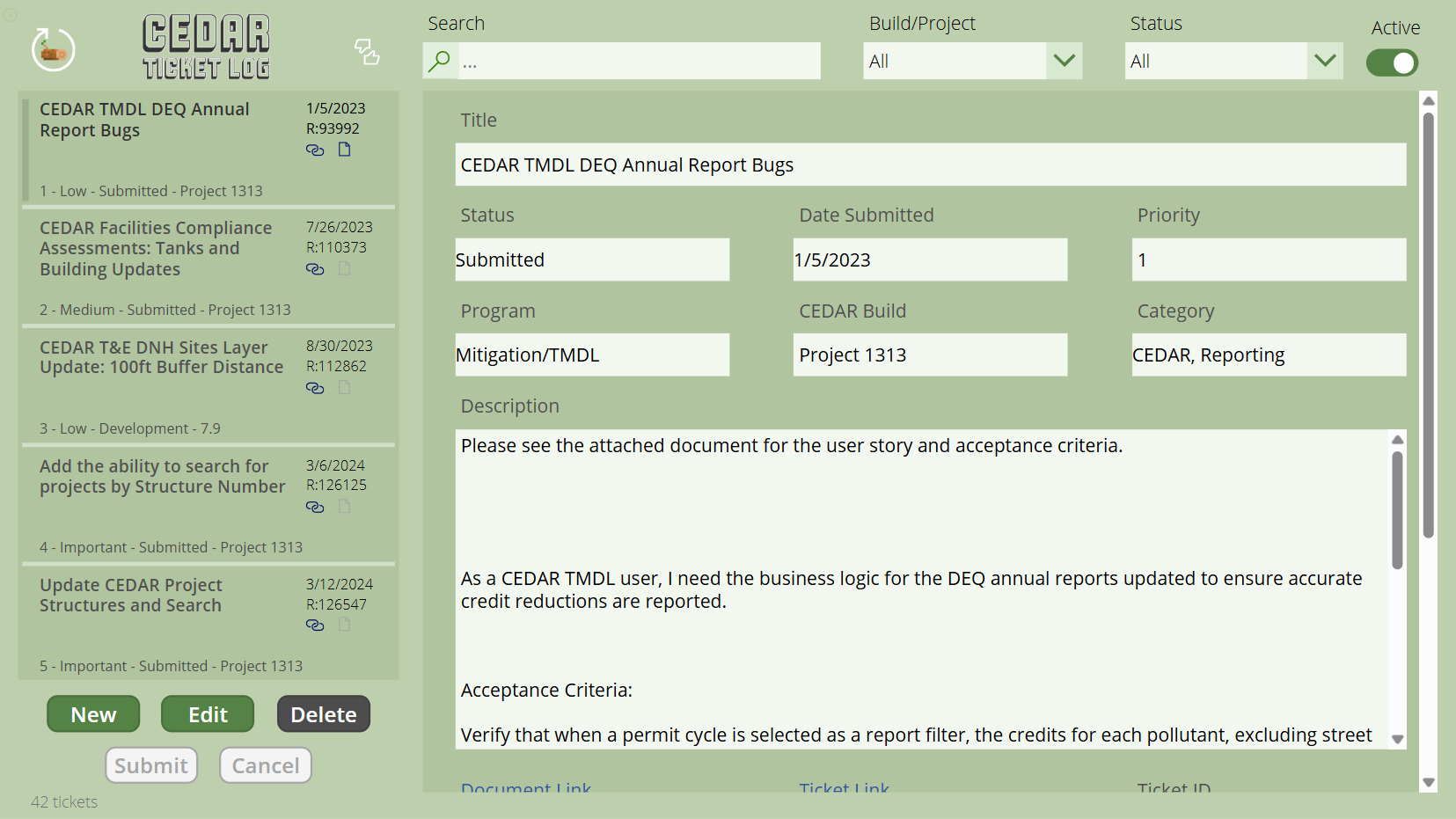
Version 2.0 of the CEDAR Log is an app I created to help keep track of all the ongoing enhancement and bug tickets submitted by the Environmental Data Management team. It automatically prioritizes submissions based on their attributes and has useful links to related documents and IT ticket systems.
The original version was custom coded entirely using javascript! Eventually VDOT IT moved away from the hosting development environment, and I was forced to pivot to power apps instead.
*power apps, power automate, and sharepoint used to create the app and underlying data structure
Automated Wetland Determination Form
I built an app using survey123 that allows field staff to determine the presence/absence of a wetland according US Army Corps of Engineers guidelines. Survey123 is nice because it allows for fast updates and circumvents the app store process.
The form has three main sections: hydrology, vegetation, and soils.
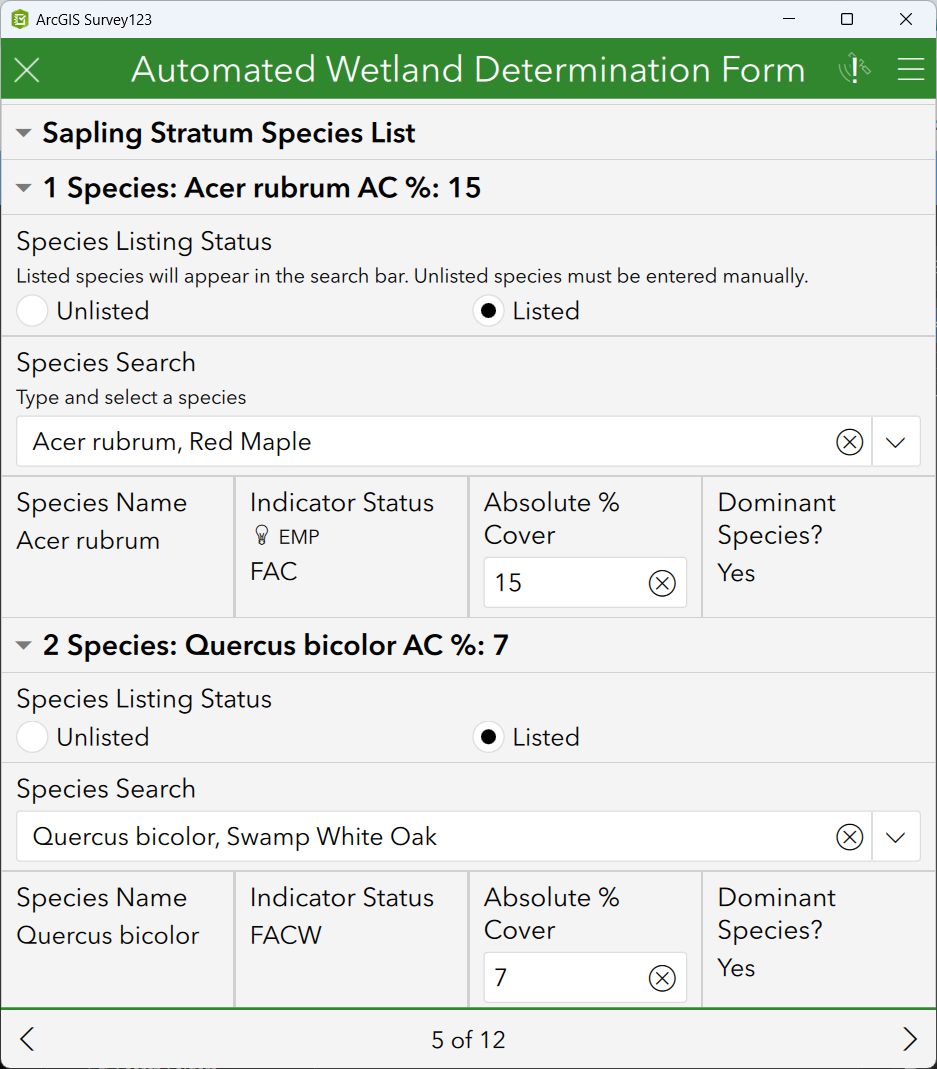
The form contains a list of all USACE listed species! Unlisted species can be added too.
I wrote custom javascript functions that are called asynchronously to evaluate user input in the form. For example, when a new species is added to the vegetation form it automatically determines its indicator status and calculates its dominance in the stratum against all previous entries and in turn updates their dominance accordingly. Statistical tests were also included and coded to automatically calculate if the presence of hydric vegetation is enough to determine wetland status.
The soil section incorporates a unique algorithm I wrote that calculates munsell soil color chart color contrast between the reduced and matrix soil components - AKA DIRT COLOR MATH ︎
Finally when a user submits the form it makes its way into power automate where it populates a report template, stores the document, and emails the completed data form, photosheet, and results tables.
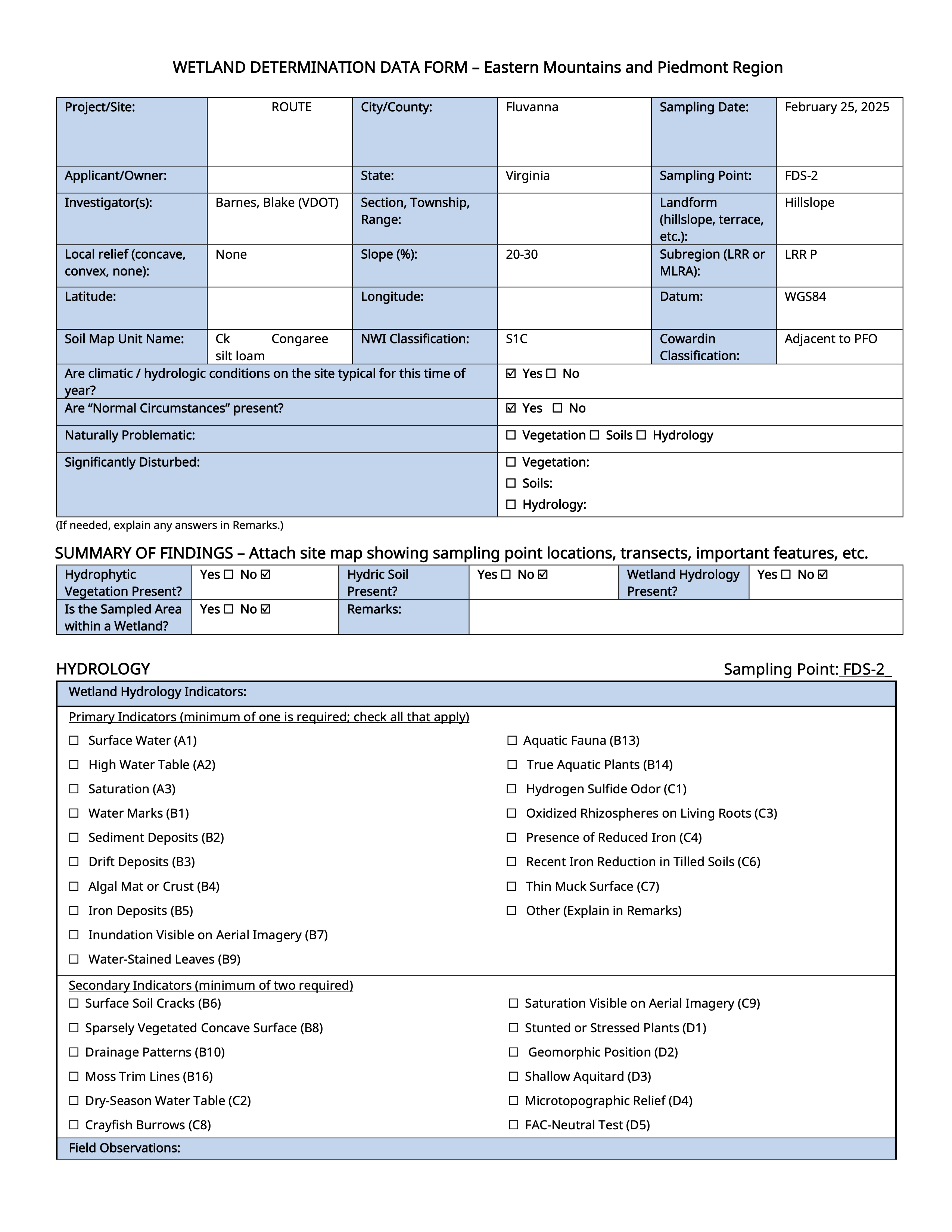
Similar to the situation with the CEDAR log, I had originally coded a reporting service using custom javascript, webhooks and webserver, but was forced to pivot to power automate when the hosting environment license was dropped by our IT division. It helped to have a staff member assist with setting that up!
*survey123, javascript, xlsforms, arcgis online, power automate used to create and manage the app and reports